Field teams collect valuable data: inspections, readings, photos, drone surveys. Too often it ends up in spreadsheets and email attachments, re-typed into the ERP or asset system days later, if at all. Integration fixes that.
Signs you have an integration problem
- The same information is typed into more than one system
- Reports are built by exporting and merging spreadsheets
- Nobody is sure which system has the latest figure
- Findings from inspections don't become work orders automatically
- Month-end means reconciling numbers by hand
Design principles
- One system owns each piece of data. Assets live in the asset system; costs in the ERP; inspection findings in the inspection tool. Others read from the owner.
- Agree on identifiers. Every system must refer to the same asset, site or job the same way.
- Move events, not files. When an inspection finds a defect, send that event to create a work order, instead of a weekly export.
- Handle failures. Integrations break. Log every message, retry automatically, and alert someone when it fails.
- Keep it observable. You should be able to see what moved, when, and whether it worked.
Common patterns
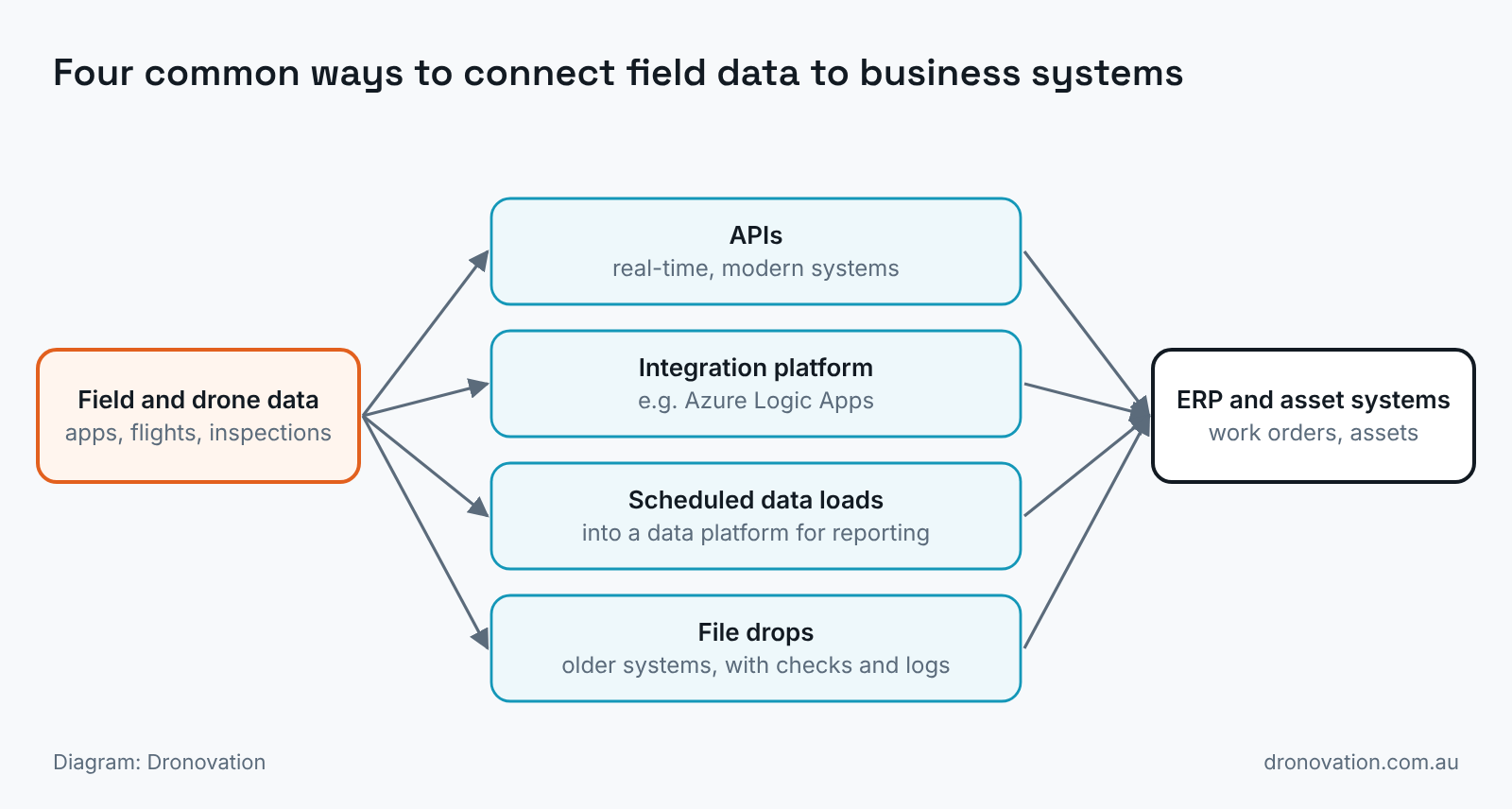
- APIs for real-time exchange between modern systems
- Integration platforms (for example Azure Logic Apps or similar) to connect systems without custom code for every link
- Scheduled data loads into a data platform for reporting
- File drops for older systems, with checks and logs
Start with one flow
Pick a flow that hurts: for example, inspection defects into work orders. Map it, build it, measure the time saved, then do the next one. Big-bang integration projects fail far more often than step-by-step ones.
Security
Every integration is a door into a system. Use least-privilege accounts, keep secrets out of code, and review access regularly.